 Builda · a 1,000-word read
Builda wants to be the shortest path from your game to a player’s phone
A look at builda.game, the creator platform that publishes Godot, Unity, and HTML5 games straight into a mobile app with millions of players.
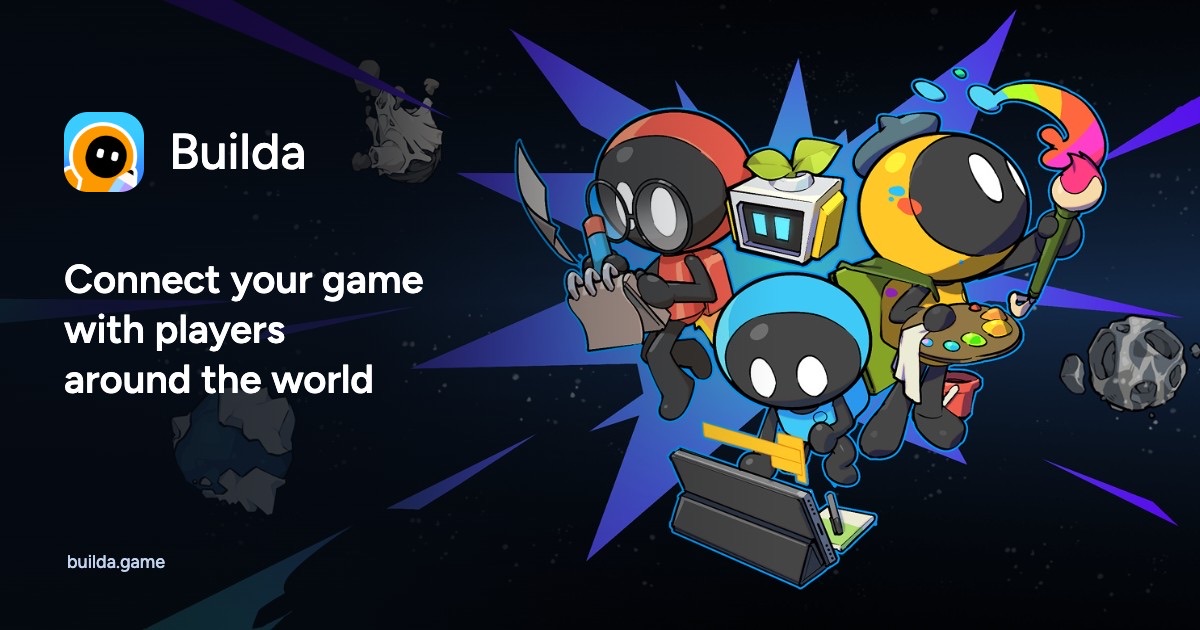
Most small game developers hit the same wall. Making the game is the fun part. Getting it in front of players is the hard part. You have to pick a store, set up accounts, build a backend for saves, wire up payments, add ads, and then hope someone finds your game. Builda, at builda.game, tries to remove most of that work. Its headline promise is direct: “Connect your game with players around the world.”
Two sides of one platform
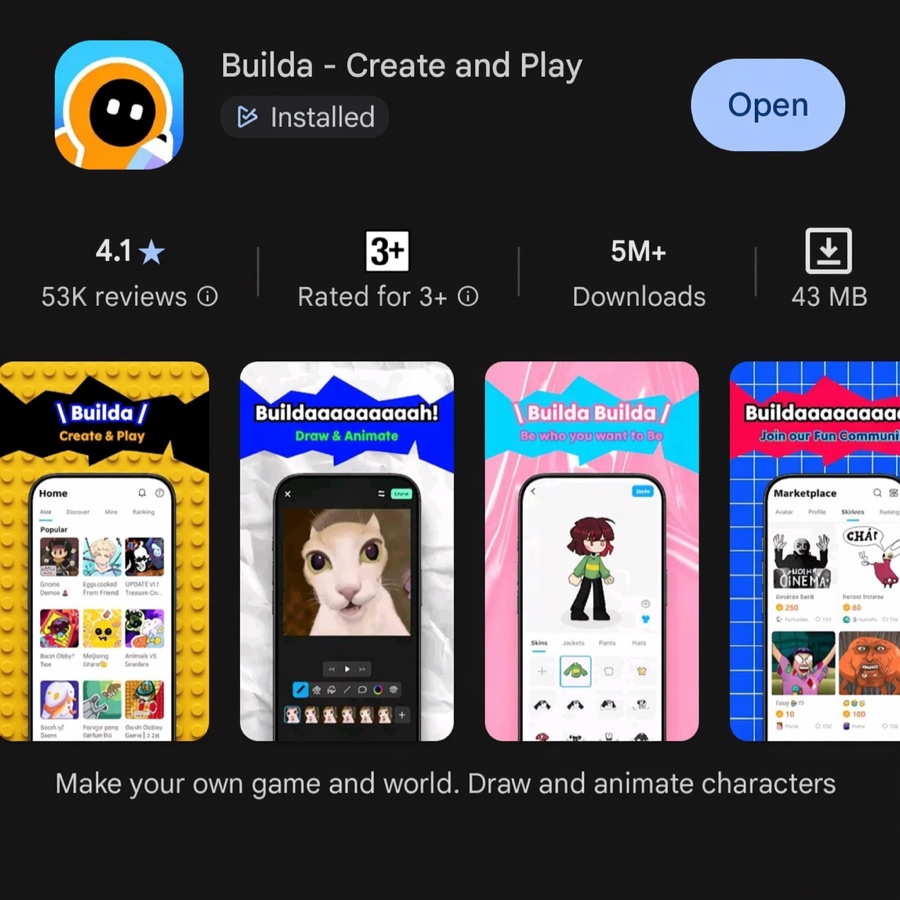
Builda has two faces. The first is the Builda app, listed on Google Play as “Builda – Create and Play.” Players use it to discover and play games. Many of them also make things there: they draw and animate characters, dress avatars, and trade items in a marketplace. The app is aimed at a young, creative audience and is rated for ages 3 and up.
The second face is the Creator Platform at builda.game. This is where developers upload games that then appear inside the app. The website keeps the pitch short. Builda helps creators build and publish games in one place, reach players worldwide, and earn from their games.
Bring the engine you already use
Builda doesn’t ask you to learn a new tool. The site lists three supported engines, and its page title also names Cocos for HTML5 projects:
- Godot (Web export)
- Unity (WebGL)
- HTML5: Pixi, Phaser, Cocos, plain canvas
Every game runs as a web build inside the Builda app. That choice matters. Because the app hosts the game, you don’t ship a separate native app for each store. Builda calls this “Build once, ship everywhere.” Its own app is already on the App Store and Google Play, and the site marks two more storefronts as coming soon.
Everything a small team would otherwise build
The website groups its developer features under “All-in-one integration.” There are four pillars:
- Cloud saves. Cross-device save and sync “with a few lines,” with no backend to build or run yourself.
- Monetization. Ads and in-game payments, with the revenue plumbing handled by Builda.
- Multiplayer. A low-latency netcode framework for real-time online games.
- Community. A large built-in audience that can give feedback from day one.
The SDK developer guide shows how this works under the hood. The SDK is a single global object, window.Builda, with the same API for all three engines. Godot gets a GDScript add-on, and Unity gets a C# static class. Modules cover player identity, private cloud saves, payments, rewarded video ads, leaderboards, audio, a native text input panel, and even raw microphone input for voice-controlled games.
A careful developer experience
Two details stand out. First, the SDK comes in two builds with an identical API. A mock build runs in your browser during development. It fakes the player, stores saves locally, and pops up a test window where you click success or failure for a payment or ad. The production build runs only inside the Builda app. Your code never needs to check which one it is talking to.
Second, every async call returns the same shape and never throws:
Builda.runtime.ready();   // call first, or the game closes after 30 s

const who = await Builda.whoami();
if (who.ok) console.log(who.data.name);

await Builda.privateKV.set("save_slot1", bytes);
That predictable { ok, data } or { ok, error } result makes error handling easy to reason about. The rules are strict, too. A game must call ready() within 30 seconds or the host closes it. Service tokens must stay in memory, never in saves or logs. The guide even ships a “Copy for AI” button, so a coding assistant can install the Builda toolchain into your project for you.
From player purchases to ad revenue, the pitch is that you skip the complex integrations and spend more time on the game.
How creators earn
Builda offers two income streams. In-app purchases let players pay for virtual items, content, and perks, so you earn directly. In-game ads show rewarded videos that turn traffic into a steady income. Both run through the SDK’s pay and ad modules, so you don’t negotiate with ad networks or payment processors yourself.
Where the players are
The site publishes a breakdown of its audience by region. The numbers show a clear tilt toward Asia, which is useful if you plan localization.
Three quarters of the audience is in East and Southeast Asia. The Americas make up a fifth, and Europe a twentieth. The SDK’s language rules reflect that global spread. The app reports a bare language code such as en or zh, with es-419 for Latin American Spanish, and the guide asks games to fall back gracefully when a language pack is missing.
Who Builda suits
Builda fits best if you make small, web-friendly games and want an audience without running servers. It also suits solo developers and students who want saves, payments, and leaderboards without writing backend code. Because the app’s players skew young and creative, casual, colorful, and social games are a natural match.
There are tradeoffs. Your game lives inside Builda’s app rather than as your own store listing. You follow Builda’s SDK rules, content policies, and revenue system. Before you commit, read the UGC policy, the Terms of Use, and the revenue details in the SDK guide.
The bottom line
Builda packages the unglamorous parts of shipping a game into one SDK and one upload page. You keep your engine and your workflow. Builda supplies the players, the saves, the store, and the payment pipe. For a small developer who would rather polish a level than configure a payment server, that is an appealing deal. The platform’s own line sums it up well: “Your game deserves to be seen by the world.”